






How to Trade SOL Tokens on Phantom Wallet in 2026: A Practical Step-by-Step Guide
Updated July 9, 2026
Quick Answer
To trade SOL tokens on Phantom Wallet in 2026, the short version is:
- fund your Phantom wallet with SOL
- open the swap or trade flow inside Phantom
- review the token pair, route, fees, and slippage
- confirm only after checking the details carefully
The part that matters most is not clicking the swap button. It is understanding what you are swapping, where the route comes from, and whether the token itself is trustworthy.

What Phantom Is Actually Doing When You Trade
Phantom’s homepage now positions the app as a broader crypto product that supports trading and other onchain activity, not just wallet storage.
That means Phantom is not only holding assets for display. It is acting as the place where the user reviews and signs a trading action.
In practice, the important point is simple: the wallet interface can feel easy, but the trade is still a real onchain action with price, route, and token-risk consequences.
Step 1: Fund the Wallet Correctly
Before trading anything, make sure you:
- have native SOL for fees
- received the tokens on the correct network
- are using the real Phantom wallet
If the wallet is underfunded for fees or the asset is on the wrong network, the trading flow can break before it even begins.
Step 2: Open the Trade or Swap Flow
Once funded, open the token you want to swap from and start the trade flow inside Phantom.
At this point, the wallet is helping you construct the transaction. It is not guaranteeing that the token you are buying is good, liquid, or safe.
That distinction matters. Wallet UX can simplify the action, but it does not replace due diligence.
Step 3: Review the Route and Price
This is where most users move too fast.
Before confirming, check:
- which token you are selling
- which token you are receiving
- the quoted amount
- slippage or price impact if shown
- whether the route feels sensible for the asset size
For Solana users who want a more route-first comparison, Coincu’s refreshed page on best Solana DEXes is the natural next read.
Step 4: Confirm Only After the Final Check
The final confirmation should never be a reflex click.
Look again at:
- token symbol and address if needed
- quoted output
- network fee
- any unusual warning
If something looks off, stop and review before signing.
Common Mistakes to Avoid
The most common Phantom trading mistakes are:
- swapping into the wrong token
- ignoring slippage or liquidity conditions
- trading without keeping spare SOL for fees
- treating the wallet interface as proof that the token is safe
That last mistake is especially common in fast-moving Solana trading.
FAQ
Can I trade tokens directly in Phantom Wallet?
Yes, Phantom supports in-wallet trading flows. The more important question is whether you understand the route, token, and confirmation details before signing.
Do I need SOL to trade tokens in Phantom?
Yes, you generally need native SOL for network fees even if you are trading another token.
Is trading in Phantom automatically safe?
No. The wallet can make the action easier, but token quality, slippage, liquidity, and scam risk still matter.
Further Reading
References


- China, US Conclude Trade Talks with Focus on Cooperation
- Crypto Weekly: NYSE Backs OKX, Kraken Gets Fed Access, BTC Sells
- Court Upholds Fed’s Rejection of Custodia Bank’s Request
- Former CFO Convicted for $35M Fraudulent Crypto Investment
- DeriW Launches Edge Hour Trading Competition Platform for Derivatives Traders
- Michael Saylor Denies Bitcoin Sell-Off Amid Large BTC Transfer
- Buy Dogecoin on eToro: Step-by-Step Guide for Beginners (2024)
- Kazakhstan Explores Crypto Reserves Backed by National Funds
- JPMorgan Increases Holdings in BlackRock’s Bitcoin ETF
- Nordea Bank Introduces Bitcoin ETP Trading for Nordic Customers
- XRP Spot ETF Launches on Nasdaq Amid Market Fluctuations
- Peter Schiff Challenges Michael Saylor on MSTR’s Business Model
- Thailand Orders Worldcoin to Delete 1.2 Million Biometric Records
- UK Proposes New DeFi Tax Framework to Ease User Burden
- WLFI Under Fire: Analyst Warns Hyperliquid Could Be Next
- Ancient Ethereum Whale Moves $1.19 Billion After Decade
- BlackRock Receives Large Crypto Transfers from Coinbase
- SEC Scrutiny on ALT5 Sigma’s Leadership Disclosure Timing
- Yala Injects $5.5 Million Amid Recovery Efforts
- Radiant Capital Faces $50M Loss in Major Security Breach
- China, US Conclude Trade Talks with Focus on Cooperation
- Crypto Weekly: NYSE Backs OKX, Kraken Gets Fed Access, BTC Sells
- Court Upholds Fed’s Rejection of Custodia Bank’s Request
- Former CFO Convicted for $35M Fraudulent Crypto Investment
- DeriW Launches Edge Hour Trading Competition Platform for Derivatives Traders
- Michael Saylor Denies Bitcoin Sell-Off Amid Large BTC Transfer
- Buy Dogecoin on eToro: Step-by-Step Guide for Beginners (2024)
- Kazakhstan Explores Crypto Reserves Backed by National Funds
- JPMorgan Increases Holdings in BlackRock’s Bitcoin ETF
- Nordea Bank Introduces Bitcoin ETP Trading for Nordic Customers
- XRP Spot ETF Launches on Nasdaq Amid Market Fluctuations
- Peter Schiff Challenges Michael Saylor on MSTR’s Business Model
- Thailand Orders Worldcoin to Delete 1.2 Million Biometric Records
- UK Proposes New DeFi Tax Framework to Ease User Burden
- WLFI Under Fire: Analyst Warns Hyperliquid Could Be Next
- Ancient Ethereum Whale Moves $1.19 Billion After Decade
- BlackRock Receives Large Crypto Transfers from Coinbase
- SEC Scrutiny on ALT5 Sigma’s Leadership Disclosure Timing
- Yala Injects $5.5 Million Amid Recovery Efforts
- Radiant Capital Faces $50M Loss in Major Security Breach
- China, US Conclude Trade Talks with Focus on Cooperation
- Crypto Weekly: NYSE Backs OKX, Kraken Gets Fed Access, BTC Sells
- Court Upholds Fed’s Rejection of Custodia Bank’s Request
- Former CFO Convicted for $35M Fraudulent Crypto Investment
- DeriW Launches Edge Hour Trading Competition Platform for Derivatives Traders
- Michael Saylor Denies Bitcoin Sell-Off Amid Large BTC Transfer
- Buy Dogecoin on eToro: Step-by-Step Guide for Beginners (2024)
- Kazakhstan Explores Crypto Reserves Backed by National Funds
- JPMorgan Increases Holdings in BlackRock’s Bitcoin ETF
- Nordea Bank Introduces Bitcoin ETP Trading for Nordic Customers
- XRP Spot ETF Launches on Nasdaq Amid Market Fluctuations
- Peter Schiff Challenges Michael Saylor on MSTR’s Business Model
- Thailand Orders Worldcoin to Delete 1.2 Million Biometric Records
- UK Proposes New DeFi Tax Framework to Ease User Burden
- WLFI Under Fire: Analyst Warns Hyperliquid Could Be Next
- Ancient Ethereum Whale Moves $1.19 Billion After Decade
- BlackRock Receives Large Crypto Transfers from Coinbase
- SEC Scrutiny on ALT5 Sigma’s Leadership Disclosure Timing
- Yala Injects $5.5 Million Amid Recovery Efforts
- Radiant Capital Faces $50M Loss in Major Security Breach

Pakistan Creates Crypto Investigation Unit to Fight Money Laundering

Maharashtra DELTA Act Targets Real Estate Blockchain Tokenization

HashKey Middle East Launches BTC and ETH Perpetual Derivatives After Dubai VARA Approval
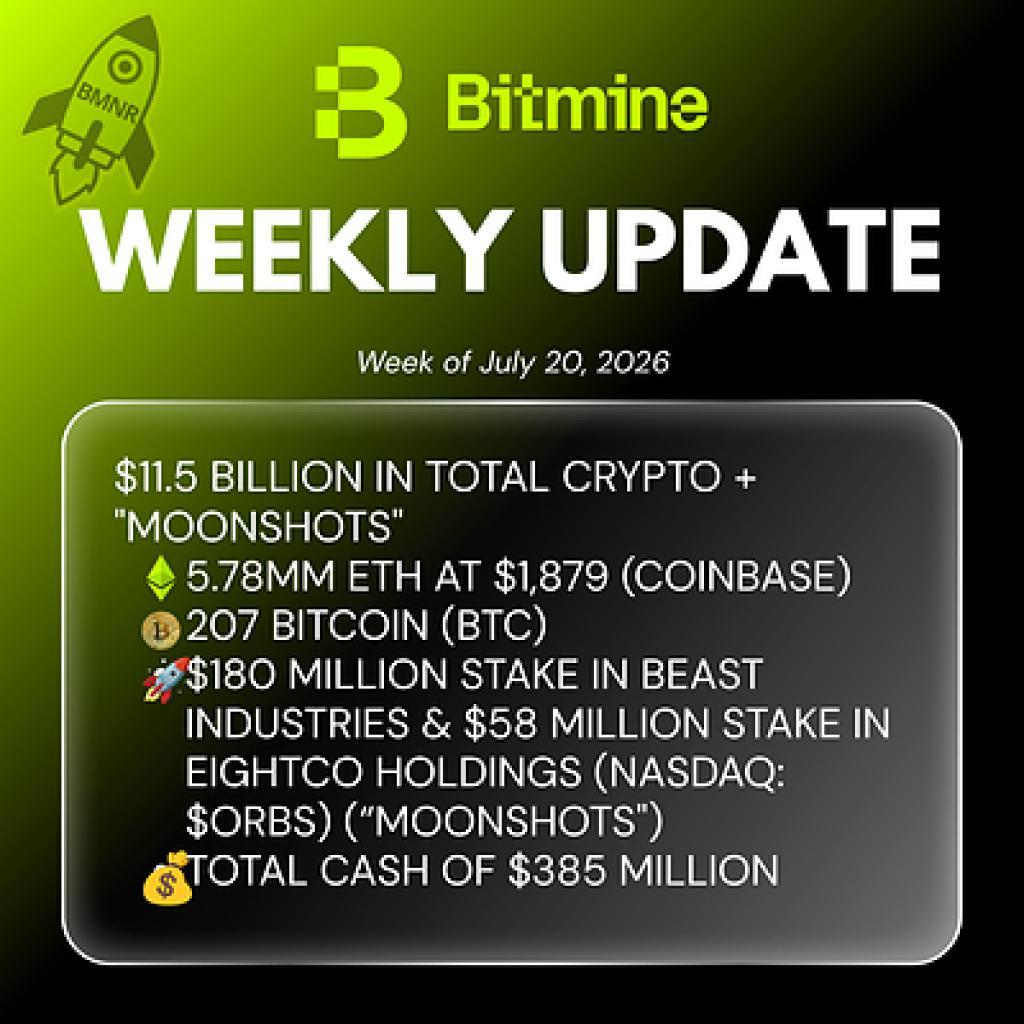
Bitmine Immersion Technologies (BMNR) Announces ETH Holdings Reach 5.78 Million Tokens, and Total Crypto and Total Cash Holdings of $11.5 Billion

GLOBAL MEDIA PROCUREMENT: THE 500-YEAR YIXING ZISHA TEAPOTS PARADIGM